3e33 App: Play Fishing & Casino on Your Phone
Download 3e33 APK for Android and get instant access to fishing games, slots, live casino, and sports betting. No Google Play account needed. One tap to install, one login to start playing.
- SSL Encryption
- Android 7.0+
- 45 MB
- Updated Nov 2026
App vs Website: What Changes
Both the 3e33 App and the website give you access to the same games, bonuses, and payment methods. The app does not unlock exclusive promotions or different withdrawal limits. Your account works the same way in both places. The main differences are speed, convenience, and how you access certain features.
| Feature | 3e33 App | Website |
|---|---|---|
| Login Speed | One tap (saved session) | Type URL, enter password |
| Works Offline | No (requires connection) | No (requires connection) |
| Game Loading Time | 2–3 seconds | 4–6 seconds |
| Push Notifications | Bonus alerts, deposit confirmations | None |
| Home Screen Access | App icon on your phone | Bookmark or type URL |
| Browser Tabs | Runs in own window | One tab among many |
| Deposit & Withdrawal | Same methods, same limits | Same methods, same limits |
| Storage Used | 45 MB on your phone | Browser cache only |
| Updates | Manual (download new APK) | Automatic (refresh page) |
The app keeps you logged in between sessions, so you skip the login screen most of the time. If you play daily, the app saves you 10–15 seconds every time you open it. The website is better if you switch devices often or prefer not to install files on your phone.
What You Can Do in the App
The 3e33 App gives you full access to every game category, payment method, and account feature available on the website. Here is what you will find inside once you log in.
Fishing Games
Play Pirate Fishing, Lucky Gods Fishing, and Captain Fisher. Aim at targets, collect multipliers, and cash out your winnings instantly. All fishing games run at full speed on phones with Android 7.0 or higher. No lag, no frame drops.
Slots & Jackpots
Spin over 2,000 slot titles from Red Tiger, Playtech, Pragmatic Play, PG Soft, and JDB. Filter by RTP, search by name, or browse new releases. Progressive jackpots update in real time. Winnings appear in your balance immediately after the spin ends.
Live Casino Tables
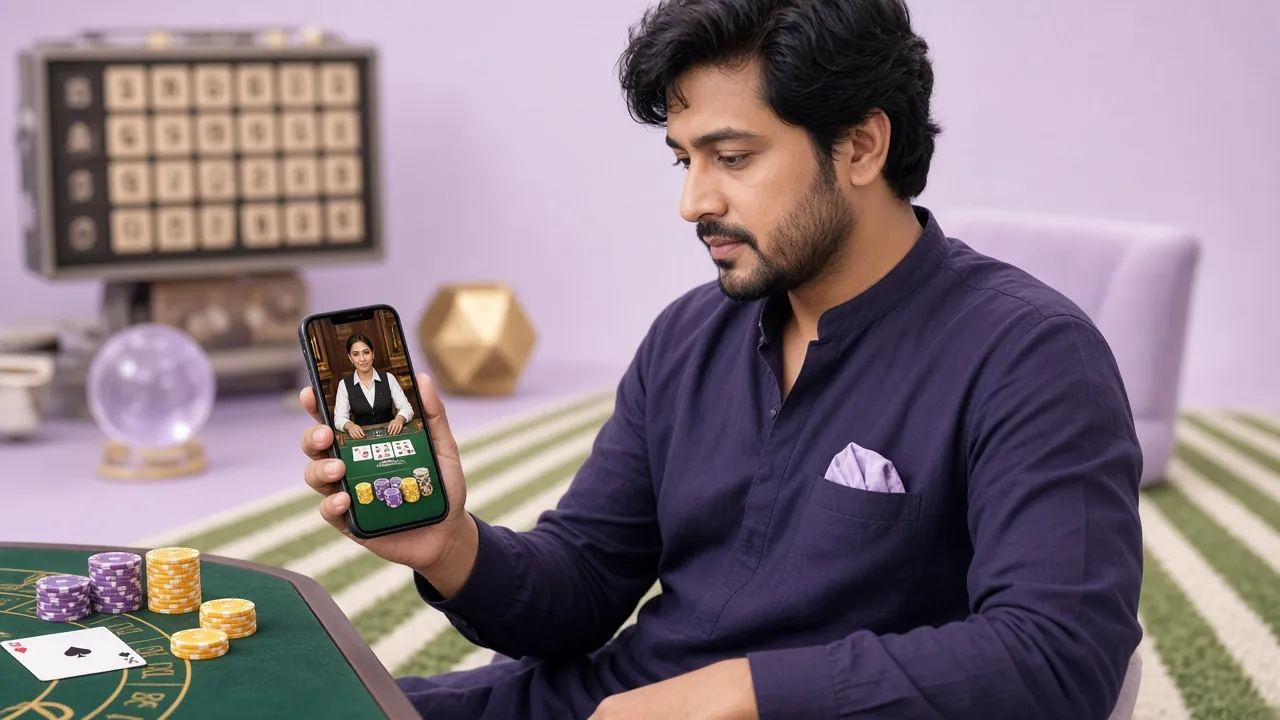
Join live dealers for blackjack, baccarat, and roulette. Video streams in HD. Place bets using the same balance as other games. Minimum stakes start at ৳2. Tables stay open every hour of the day. No booking, no waiting.
Sports Betting
Bet on cricket (BPL, IPL, T20, ODI), football leagues, and kabaddi matches. Place pre-match or live bets. Odds update automatically. Check your open bets and settled results in the Bet History tab. Withdraw winnings using the same method as your deposit.
Deposits & Withdrawals
Add funds using bKash, Nagad, Rocket, or Upay. Minimum deposit is ৳500. Money reaches your account in 3 minutes. Request withdrawals from ৳400 up to ৳95,000 per day. Payouts take 30 minutes during business hours. No hidden fees on either side.
Bonuses & VIP Rewards
Claim your 155% welcome bonus on the first deposit (up to ৳12,000). Track your VIP tier progress and cashback rate in the Rewards tab. Daily cashback starts at 1.4% and goes up to 2.0% at VIP 5. Bonus funds appear under Pending Balance until you meet the 21× wagering requirement.
System Requirements & Version Info
Check this table before you download. If your phone meets the Android version requirement, the app will install and run without problems. Older phones may install the APK but experience slow loading times or crashes during gameplay.
| App Version | 3.2.17 |
| File Size | 45 MB |
| Minimum Android Version | Android 7.0 (Nougat) or higher |
| Recommended Android Version | Android 9.0 or higher |
| Last Updated | November 11, 2026 |
| Price | Free |
| Languages | English, Bangla |
| Internet Connection | Required (WiFi or mobile data) |
| Storage Space Needed | 60 MB (app + cache) |
| RAM Requirement | 2 GB or more recommended |
The app uses about 15 MB of cache for game thumbnails and session data. If you run low on storage, clear the cache from Settings → Apps → 3e33 → Storage → Clear Cache. This does not log you out or delete your account data.
Download 3e33 APK Now
Tap the button below to start the download. The file will save to your Downloads folder.
Download 3e33.apkFile name: 3e33.apk · Size: 45 MB · Version: 3.2.17
How to Install 3e33 APK on Android
Installing an APK file requires one extra step compared to Google Play Store apps. You need to allow your phone to install apps from sources other than the Play Store. Once you enable this setting, the installation works like any other app. Follow these steps in order.
-
Allow Unknown Sources
Open your phone's Settings app. Go to Security (or Privacy on some phones). Find the option labeled "Install unknown apps" or "Unknown sources." Tap it, then select your browser (Chrome, Firefox, or whichever browser you used to download the APK). Turn on "Allow from this source." This lets you install the 3e33 APK file. You only need to do this once.
-
Download the APK File
Tap the Download APK button on this page. Your browser will ask if you want to save the file. Confirm. The file saves to your Downloads folder. Wait until the download finishes before moving to the next step. Do not close your browser while the file is downloading.
-
Open the Downloaded File
Swipe down from the top of your screen to open the notification panel. You will see a notification that says "Download complete: 3e33.apk." Tap that notification. If you missed it, open your Files app, go to Downloads, and tap 3e33.apk. A screen will appear asking if you want to install the app.
-
Install the App
Tap Install on the confirmation screen. Your phone will show a progress bar while it installs the app. This takes 5–10 seconds. When installation finishes, you will see a button that says "Open." Tap it to launch 3e33 for the first time. The app icon will also appear on your home screen or app drawer.
-
Log In and Start Playing
Open the 3e33 App. If you already have an account, tap Log In and enter your username and password. If you are new, tap Register and fill in the signup form (takes 2 minutes). Once logged in, you can browse games, make your first deposit, and claim your welcome bonus. The app remembers your login, so you will not need to type your password every time.
For iOS Users (iPhone, iPad)
3e33 does not have a standalone iOS app. Instead, open 3e33.ws in Safari. Tap the Share icon (square with arrow pointing up), then tap "Add to Home Screen." This creates an app-like icon on your home screen. When you tap it, 3e33 opens in a full-screen browser window without the Safari toolbar. Functionality is identical to Android, but you do not download an APK file.
Security & Permissions Explained
When you install the 3e33 App, Android will show a list of permissions the app requests. Here is what each permission does and why the app needs it. The app does not access your contacts, camera, microphone, or SMS messages.
Internet Access
The app connects to 3e33 servers to load games, process deposits, and update your balance. Without internet access, the app cannot function. All data sent between your phone and our servers is encrypted using SSL (the same security banks use).
Storage Access
The app saves game thumbnails and your login session to your phone's storage. This lets you stay logged in between sessions and reduces loading times. The app does not read your photos, documents, or other personal files. It only writes to its own folder.
Notifications
The app sends push notifications for deposit confirmations, withdrawal updates, and bonus alerts. You can turn off notifications in your phone's Settings app without affecting the rest of the app. Notifications are optional. The app works fine if you disable them.
Network State
The app checks if you are connected to WiFi or mobile data. If your connection drops during a game, the app pauses and shows a reconnect screen. This prevents you from placing bets or spinning slots while offline. Your balance updates only when the connection is stable.
Is the APK Safe?
The APK file on this page is the official 3e33 App. It is the same file we distribute to all users in Bangladesh. We do not host the app on third-party download sites. Download only from this page or from the QR code provided. If you download from another website, you risk installing a modified version that may contain malware or steal your login credentials.

Common Installation Problems
If the APK does not install or the app crashes after installation, check this table. Most issues come from phone settings or low storage space. Follow the solution that matches your problem.
| Problem | Cause | Solution |
|---|---|---|
| "App not installed" error appears when you tap Install. | Your phone is blocking installations from unknown sources. This is a default Android security setting. | Go to Settings → Security → Unknown sources (or Install unknown apps). Find your browser in the list and turn on "Allow from this source." Then try installing the APK again. |
| Download starts but stops at 30–50% and says "Download failed." | Your internet connection dropped during the download, or your phone ran out of storage space. | Check your WiFi or mobile data connection. Make sure you have at least 60 MB of free space. Go to your Downloads folder, delete the incomplete 3e33.apk file, and start the download again from this page. |
| The app installs successfully but closes immediately when you open it. | Your Android version is too old (below 7.0), or your phone does not have enough RAM to run the app. | Check your Android version in Settings → About Phone → Android version. If it shows 6.0 or lower, the app will not work. Upgrade your phone or use the 3e33 website in your browser instead. If your Android version is 7.0 or higher, restart your phone and try opening the app again. |
| Games take 10+ seconds to load, or the app freezes during gameplay. | Your phone has less than 2 GB of RAM, or too many apps are running in the background. | Close other apps before opening 3e33. Go to Settings → Apps → 3e33 → Storage → Clear Cache. This removes temporary files and may improve speed. If the problem continues, try playing on WiFi instead of mobile data. |
| You see "This app is not compatible with your device" when tapping the download link. | Your browser thinks the APK is unsafe because it did not come from Google Play Store. This is a false warning. | Tap "Download anyway" or "OK" when the warning appears. The 3e33 APK is safe. Browsers show this message for all APK files that are not hosted on the Play Store. If your browser blocks the download completely, try using a different browser (Chrome, Firefox, or Samsung Internet). |
Still Having Problems?
If none of these solutions work, contact 3e33 support through the live chat on our website. Tell them your phone model, Android version, and what error message you see. Support is available every day, including weekends and public holidays.
Go to 3e33 Login page to access live chatDownload the 3e33 App Right Now
-
Loads in 2–3 Seconds
Games open faster than the browser version. No waiting, no reloading.
-
Bonus & Deposit Alerts
Push notifications tell you when a bonus is live or your deposit is confirmed.
-
Stays Logged In
Your session is saved. Open the app and you are already in — no typing your password every time.
-
Free, 45 MB, Android 7.0+
Works on most Android phones. Version 3.2.17, last updated November 2026.
Scan to Download
Point your phone camera at the QR code.
Tap the link that appears on your screen.
Frequently Asked Questions
Do I need to uninstall the old version before installing a new APK?
No. When you install a newer version of the 3e33 App, it overwrites the old version automatically. Your login session, game history, and settings stay the same. You do not need to uninstall anything first. Just download the new APK and tap Install. The update takes 10–15 seconds. If you want to uninstall the old version manually before updating, that works too, but it is not required.
Can I use the same account on the app and the website at the same time?
Yes. Your 3e33 account works on both the app and the website. You can log in on your phone and your computer at the same time. Your balance, bet history, and bonuses sync across both platforms. If you deposit money using the app, it appears in your website account immediately. If you change your password on the website, you will need to log in again on the app using the new password.
Does the app use more mobile data than the website?
No. The app and the website use roughly the same amount of data. A typical session (30 minutes of gameplay, browsing the lobby, checking your balance) uses 15–25 MB of mobile data. Fishing games and live casino streams use more data than slots because they load video. If you want to save data, play slots or table games instead of live dealer games. Connect to WiFi before making deposits or withdrawals to avoid using your data allowance.
What happens if I lose my phone or get a new phone?
Your account stays safe. The 3e33 App does not store your password on your phone. If you lose your phone, log in to the website from another device and change your password immediately. This logs out all sessions, including the app on your lost phone. When you get a new phone, download the APK again from this page, install it, and log in with your username and password. Your balance, game history, and VIP tier will be exactly as you left them.
Why is the app not available on Google Play Store?
Google Play Store does not allow real-money gambling apps in most countries, including Bangladesh. This is a Google policy, not a problem with 3e33. Many online casinos and sports betting platforms distribute their apps as APK files for this reason. Downloading the APK directly from 3e33 is safe and legal. You get the same app you would download from the Play Store, just through a different method. The APK updates work the same way: when a new version is available, you download it from this page and install it over the old version.
Can I play games in the app without depositing money?
No. The 3e33 App does not have demo mode or free play. All games require real money bets. When you open a game, you play with your account balance. If your balance is zero, you need to make a deposit before you can spin slots, join live casino tables, or place sports bets. The minimum deposit is ৳500. Once you add funds, you can bet as little as ৳1 on some slots and ৳2 on fishing games. If you want to try games before depositing, use the website version instead—some slots there offer a demo mode.
How do I update the app when a new version is released?
The app does not update automatically. When a new version is available, you will see a notification inside the app (usually a banner at the top of the screen). Tap the notification or come back to this page and download the new APK. Install it over the old version. You do not need to uninstall the old app first. Your login session and game history stay intact during the update. Updates usually fix bugs, improve loading speeds, or add new payment methods. Version 3.2.17 is the current version as of November 2026.
Ready to Play on Mobile?
Download the 3e33 App now and get instant access to fishing games, live casino, and sports betting. One account works everywhere.